Most small SaaS teams don’t have an IAM project, and they don’t need one to stop credential stuffing. The risk based authentication saas teams actually ship is smaller than vendor decks suggest: score each login with signals you already have, step up only when the score says the session is risky, and return a reason code your support team can read out loud.
Forcing a second factor on every login trades one problem for another. You cut automated abuse and pay in drop-off, support tickets and users who keep stale sessions open because logging back in is annoying. Risk-based authentication keeps the cheap path for most logins and spends friction only where the signals are bad.
This guide covers the login decision in Prynt Control — allow, step-up or block, with a reason code and a suggested step. The pattern holds if you score logins yourself; what matters is which signals you use, which step-up you pick, and who reads the reason.
Where a login decision earns its keep
Login is the cheapest place to start abuse work: the signals are dense and the outcome is binary. Worth scoring: a correct password from a datacenter IP at 3am, one device touching twenty accounts in ten minutes, a new device that goes straight to an admin page, a headless browser that failed a captcha yesterday and came back.
The trap for small teams is treating all of it as one security ticket. Account takeover, multi-accounting and automation have different economics. Login scoring addresses the first and third; our guide to account takeover covers the response side once a session is already compromised.
Score the login with signals you already have
You don’t need a new data pipeline. Three families cover most cases:
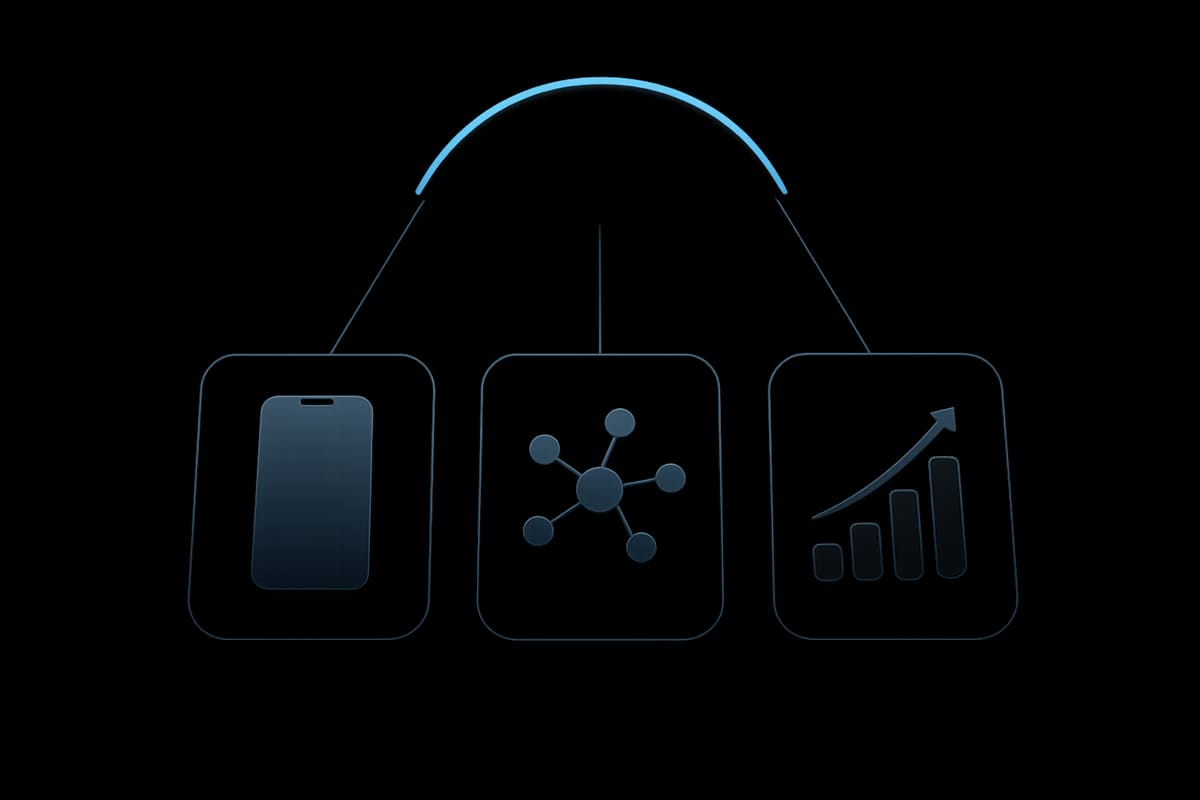
- Device identity. Is this the device that logged in last week? Control’s
deviceTrustreturns trusted, new or risky for the login, built on the visitor ID from Prynt Identify. Read how device fingerprinting works before you turn device trust into a hard gate — private mode, browser updates and platform restrictions all affect stability. - Network reputation. VPN, proxy, Tor, datacenter ranges. Not automatically bad; plenty of legitimate users work behind corporate VPNs. It is a strong prior when combined with a new device.
- Velocity. Attempts per device, account, IP and subnet. This is what most homegrown rules miss, because it needs shared state across requests.
Combine the signals into a score instead of a boolean. A score lets you tune: higher threshold on password reset, lower on read-only endpoints.
Choose step-ups by what they cost the user
Control returns a suggested step with the decision: captcha, email verification, or card or passkey. Order them by cost to the legitimate user, not by strength.
- Captcha — cheap and fast, fine for suspicious bursts. It stops scripts and is easy for real users to pass.
- Email verification — more friction, but it proves control of the inbox that owns the account, which is exactly the test you want on a new device.
- Card or passkey — strongest, highest drop-off. Reserve it for high-value actions such as changing payout details, adding seats or inviting an admin. Passkeys cost nothing to use after enrollment, which makes them the better long-term option for returning users.
Log the outcome either way. A captcha users fail three times is worse than a block, because it looks like your product is broken.
Keep reason codes support can read
The decision is half the contract. Control returns a reason code and suggested step so your handler can choose what to render — and so support can answer “why am I being asked this” in one reply instead of escalating.

Write codes as short facts: new device, datacenter network, too many accounts on this device, unusual hour for this account. Map each one to a help-centre sentence and a code path. Two rules: never show the raw score to end users, and never let a reason code reveal whether an account exists.
Prynt stores phone numbers and cards only as keyed hashes, so a leaked database doesn’t hand over the identifiers your step-up depends on. Prynt does not send SMS; you protect the OTP request and send the code, with caps per device, number and network.
Watch it before you enforce it
Control starts with a 14-day mirror period where nothing is blocked. Use it: log every decision, then compare the would-be blocks with your support inbox and your signup funnel. Look for a rule that fires on an entire country of legitimate users, and a bot pattern nobody noticed because it never threw an error.
Then enforce in stages — block the clearest automation, step up the ambiguous middle, allow the rest. Keep a week of allows and re-score them offline to find the threshold you should have set.
Wire it into the login handler
The decision belongs in one place, before you mint a session:

const d = await prynt.control.decide({ useCase: "login", userId: user.id, request });
if (d.decision === "block") return deny(d.reasonCode);
if (d.decision === "step-up") return challenge(d.suggestedStep, d.reasonCode);
return createSession(user);
Keep the allow path boring and the step-up path explainable, then push decisions where a human sees them: a Slack channel for blocks, or an Automate workflow with {{trigger.riskScore}} and {{trigger.reasons | json}}. Setup details live in the docs.
FAQ
Is risk-based authentication the same as MFA?
No. MFA is a fixed policy: everyone, every time. Risk-based authentication is a conditional policy that decides per login whether a factor is needed, and which one. Plenty of teams run both — passkeys or TOTP for users who opt in, risk-based step-ups for everyone else.
Do we need to store card or phone data to step up?
Not in raw form. The step-up decision needs a stable identifier, not the number itself. Keyed hashes are enough to recognise a repeat device or number and remove a chunk of breach exposure. Confirm your own obligations with counsel.
Does Prynt block logins on its own?
No. Control returns allow, step-up or block with a reason code and a suggested step; your code decides what happens. That is deliberate — you own the policy and the user experience.
See the login decision. Prynt Control answers allow, step-up or block for login, signup, trial, checkout and paywall events, with a 14-day mirror period before you enforce anything. Start at pryntid.com.
Try it free
Prynt is device intelligence with a free plan: 5,000 identifications a month, visitor IDs with confidence and bot detection — no credit card. Upgrade to Pro for VPN, proxy, tampering and behavioral signals.