
Every bot decision starts somewhere. If yours starts when JavaScript boots, the client has already had a chance to shape what you see: scripts can be skipped, patched, or run inside a runtime that never loads your bundle. JA4 TLS fingerprint bot detection moves the first observation earlier, into the TLS handshake, where the client introduces itself before a single byte of HTTP exists.
The mechanism is simple. During the handshake the client sends a ClientHello: a TLS version, an ordered list of cipher suites, a set of extensions, an ALPN list, and the signature algorithms it supports. That message comes from the client’s networking stack, not from your page. JA4 condenses it into a short label you can group, count, and compare over time.
This guide covers what that label contains, how to group traffic into fingerprint families instead of chasing individual hashes, and how to pair the fingerprint with device signals so a browser upgrade or an unusual mobile client does not become a false positive.
What JA4 reveals before any script runs
The fingerprint arrives with the connection itself. You can read it at your edge, at the reverse proxy, or in your application if you terminate TLS there. The client does not need to cooperate.
A JA4 value has three underscore-separated parts. The first is human-readable: transport (TCP or QUIC), TLS version, whether SNI was sent, how many cipher suites and extensions were offered, and the first ALPN value, such as h2. The second and third are truncated hashes over the cipher suite and extension list and over the signature algorithms. Together they describe the library, its version, and its configuration.
What it will not tell you is intent. A crawler you invited, an accessibility tool, a QA script, and a credential-stuffing run can present the same handshake, and some automation frameworks deliberately copy a browser’s ClientHello. Treat JA4 as one input into a decision, never as the decision.
Group traffic by fingerprint family, not by hash
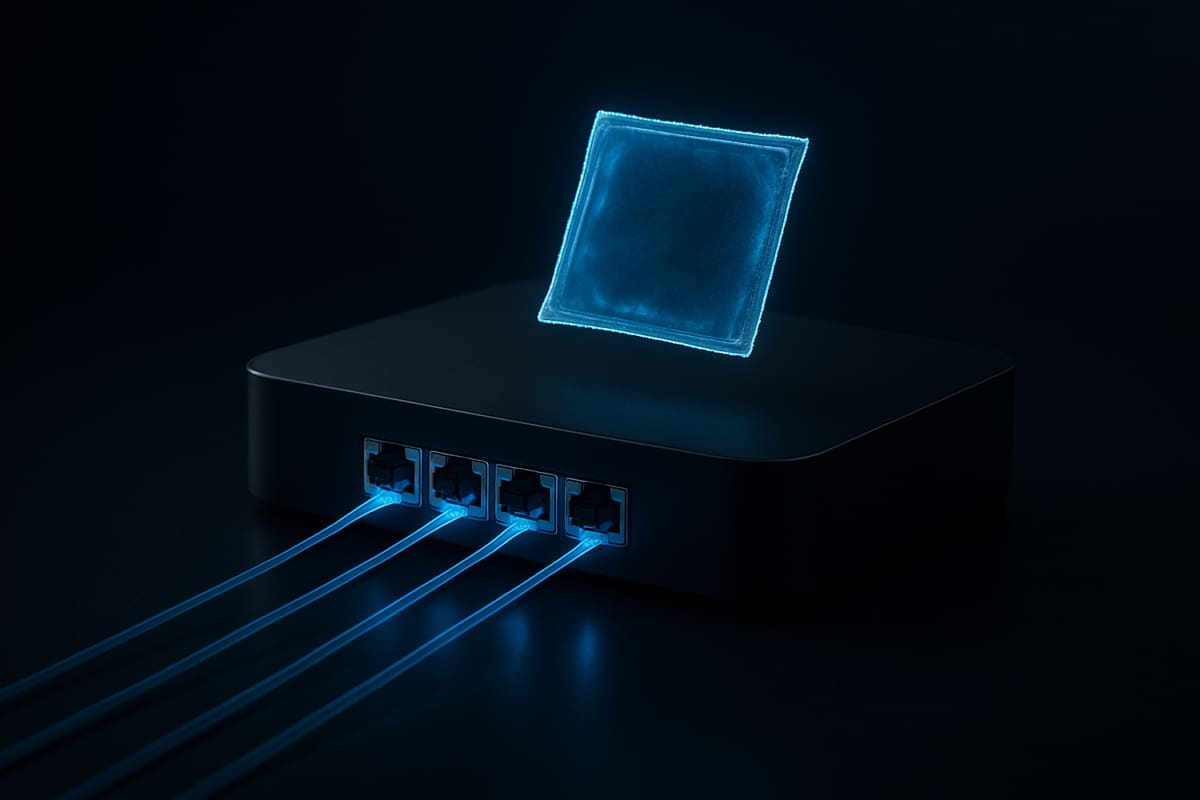
The prefix narrows the client class
The hashes identify the build
The first mistake most teams make is allowlisting a single JA4 string. Then Chrome ships a release, the hash changes, and the rule starts flagging real users.
Build families instead. Group fingerprints that share a prefix shape — same transport, version, and ALPN pattern — and treat the hashes as members of that group. A new hash inside a known family is usually an upgrade or a new platform build. A prefix you have never seen is a different stack, worth attention but not a block on its own.
Keep a rolling table with four columns: fingerprint, first seen, last seen, and accounts touched. Newness and account spread tell you more than raw volume. One fingerprint creating many accounts is a multi-accounting question; one fingerprint with high request volume is often a shared office or a monitoring probe.
Where false positives come from
Browser releases change TLS configuration on a schedule you do not control. Mobile apps inherit their networking stack from the operating system and the HTTP client library, and it varies by OS version and vendor, so a legitimate app can look nothing like a browser. Corporate proxies and TLS-inspecting middleboxes produce one handshake for many users, which makes a healthy office look like a farm. Your own QA scripts and uptime checks look the same.
The working rule: never block on an unseen fingerprint alone. Let an unknown fingerprint raise the amount of corroboration you require instead of triggering enforcement.
Pair the fingerprint with device signals
Device signals answer a different question. visitorId links sessions to one device, accountsOnDevice counts how many accounts that device has touched, and flags such as tampering, VPN or Tor, incognito, and VM describe how the client is running.

| TLS signal | Device signal | Decision |
|---|---|---|
| Known family, new hash | Clean device, one account | Allow |
| Unseen prefix | Clean device, mobile OS pattern | Allow, log |
| Known family | accountsOnDevice of 3 or more | Challenge |
| Unseen prefix | Tampering or VM flag | Challenge or block |
Combine them so no single signal carries a decision. A familiar browser fingerprint on a device that has already created three accounts is an account-abuse question regardless of TLS. An unfamiliar fingerprint on a mobile-looking stack, with a clean device and a single account, is probably a phone you have not seen before.
When you do challenge, use a proof-of-work challenge and validate the passToken server-side so the outcome cannot be forged. Keep decisions and reason codes in sealed results on your server: a modified client should not be able to read the rule that judged it.
Ship it as a policy you can watch
Start log-only with a small scorer and explicit reason codes, so you can see which rule fired before anything is enforced.
def decide(tls, device):
    score, reasons = 0, []
    if not tls.family_known:
        score += 1; reasons.append("tls_unseen_family")
    if device.tampering:
        score += 2; reasons.append("tampering")
    if device.accounts_on_device >= 3:
        score += 2; reasons.append("accounts_on_device")
    if device.vpn_or_tor:
        score += 1; reasons.append("vpn_or_tor")
    decision = "block" if score >= 5 else "challenge" if score >= 3 else "allow"
    return decision, reasons
Run it for two weeks, compare reason codes against support tickets, then enforce the top rule first.
FAQ
Does JA4 replace a device fingerprint?
No. JA4 describes a connection and is shared by everyone behind the same stack; a device fingerprint links sessions to a specific device. Use JA4 to classify the client and device signals to link behavior.
Will a browser update break my rules?
Hashes change. If you key on families and require corroboration before enforcing, an upgrade appears as a new member of a known family rather than a wave of false positives.
Is a TLS fingerprint personal data?
It is a technical attribute of a connection rather than of a person, but the answer depends on your jurisdiction and on what you combine it with. Keep retention minimal and have counsel review your notice and policy.
Next step
If you already log visitorId and accountsOnDevice, add the TLS family as a second column and watch how the two line up for a week. Try Prynt — the Free plan includes 5,000 identifications per month without Smart Signals, and Pro is $29/month for 100,000 with Smart Signals.
Try it free
Prynt is device intelligence with a free plan: 5,000 identifications a month, visitor IDs with confidence and bot detection — no credit card. Upgrade to Pro for VPN, proxy, tampering and behavioral signals.