iOS device fingerprinting starts with a misunderstanding: that Apple hands you one stable device identifier and you simply read it. You do not. Apple removed access to the MAC address, the IMEI and the serial number years ago, gates the advertising identifier behind App Tracking Transparency, and resets the identifier for vendor once the last app from your team leaves the device. What is left is a set of weaker, purpose-bound signals you have to combine carefully and disclose honestly.
That constraint is not an obstacle to route around. It defines the design. On iOS you identify devices to make risk decisions — trial abuse, multi-accounting, account takeover, paywall metering — not to build an advertising graph. This guide covers what the platform exposes, what it forbids, and how to assemble a signal set that survives reinstalls and app updates.
Everything below is engineering guidance, not legal advice. Your privacy notice, App Store privacy declarations and consent flows still have to match what you actually collect.
What iOS actually exposes to your app
The identifier for vendor is the only device ID Apple gives you
identifierForVendor is a UUID shared by every app from the same vendor installed on a device. It stays stable while at least one of your apps is present and resets when the user removes the last one. That makes it good for stitching sessions inside your own app suite and useless as a reinstall-proof identifier. Store it beside your account record; never use it as the account key.
Your own identifier in the keychain
You can mint a UUID on first launch and keep it in the keychain with an accessibility class that survives reboots. Keychain items often outlive app deletion, which is why teams use them to recognize a returning device after a reinstall. Treat that as a strong hint rather than a contract: a device wipe, a restore from backup, or a platform change can break it, so your code needs a path for the value being missing.
Hardware and OS signals
A native app can read a few low-entropy values: hardware model string, screen size and scale, OS version and build, locale, timezone and preferred languages, plus coarse storage capacity. Individually they are weak — a model string matches millions of devices, a timezone matches a region. Their value comes from combination and from change detection, not from uniqueness.
What Apple forbids
- Reading the IDFA without permission. If the user declines App Tracking Transparency,
advertisingIdentifierreturns zeroed values. There is no compliant workaround. - Rebuilding the IDFA from other data. Deriving a cross-app identifier to replace it is exactly what the App Store review guidelines on data use target.
- Private APIs and restricted hardware IDs. MAC address, IMEI, serial number and installed-app enumeration are out; URL scheme probing only works for schemes you declare.
- Using required-reason APIs for fingerprinting. Privacy manifests force you to declare why you call APIs such as user defaults, file timestamps, boot time or disk space. Apple publishes the approved reasons, and building a device fingerprint is not one of them.
- Fingerprinting inside web views. In-app web views run on WebKit, so the same tracking protections apply.
Where device identification on iOS legitimately fits
Abuse does not require uniqueness; it requires repetition. A farm creating fifty free-trial accounts, a stolen credential reused on an unfamiliar handset, a bonus claimed again after a reinstall — these are patterns you can see with partial signals and server-side history.
Keep the scope written down before you ship: which decisions use device signals (signup, login, trial, bonus, checkout), which signals each decision needs, and how long you keep them. That document is what your privacy notice, your App Store declarations and your own engineering reviews will be checked against.
Building a signal set that survives reinstalls and updates
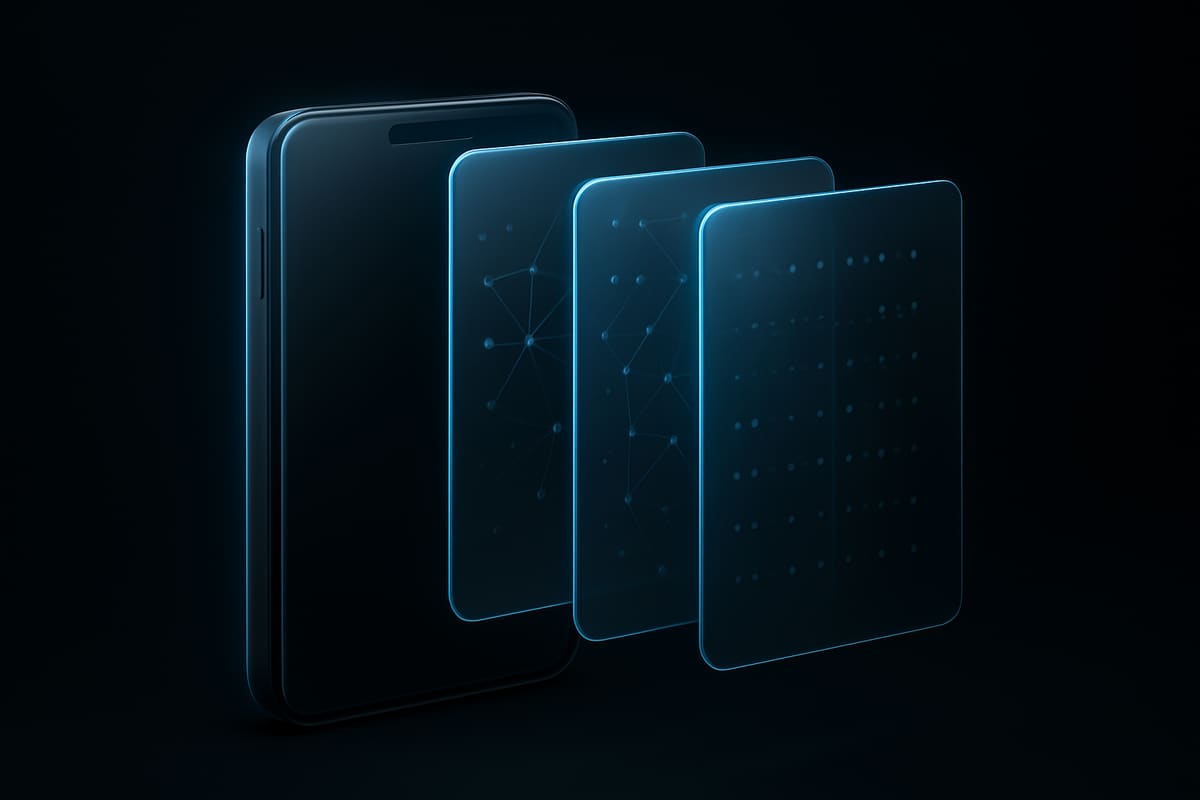
Tier your signals by stability. A keychain UUID and hardware model change rarely; the identifier for vendor changes on reinstall; OS version, IP address and locale change constantly. Score stability explicitly instead of treating every field as equal weight.
Then do three things in your backend, not in the app:
- Hash identifiers you store and keep the raw value only long enough to compare.
- Recompute the device profile on every protected action, not once at install.
- Version the signal schema, so a new OS release does not silently change what your risk rules mean.
The same approach applies to web and hybrid surfaces — see our device fingerprinting overview for how browser signals map to the same identity model.
From signals to a decision
A device profile is only useful if it ends in an action. Keep the evaluation server-side so a patched client cannot claim a clean history, and return a decision with a reason instead of a bare boolean:
POST /v1/device-check
{ "signals": {...}, "action": "signup" }

200 { "decision": "step-up",
      "reasons": ["keychain_id_new", "datacenter_network"] }
Your policy maps reasons to outcomes: allow for a known device on a known network, step-up (email verification, passkey, card check) when the device is new but the network is clean, block when a new device, a datacenter exit node and a burst of signups from the same profile coincide. Run the rules in mirror mode first, log what they would have done, and only then enforce.
Prynt Identify returns exactly that shape of signal from a single call: a visitorId, bot and AI-agent detection, tampering signals, VPN, proxy, Tor and datacenter detection, and a shared reputation network, with every result sealed and delivered by webhook — see the platform overview. Because signals drift, measure each rule against real outcomes; our notes on signal accuracy explain how to read false positives before you tighten a threshold.
FAQ
Is device fingerprinting on iOS allowed at all?
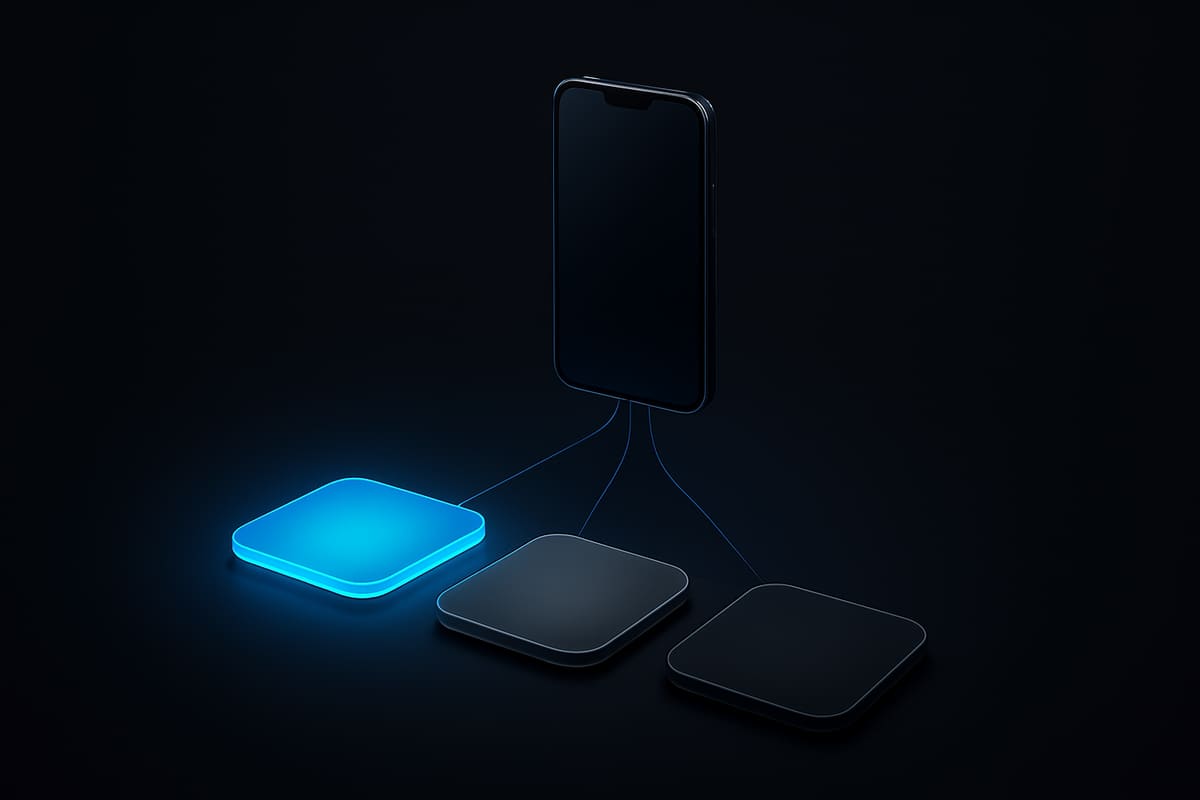
Yes, within limits. You may combine signals your app legitimately has access to and keep the result on your server for fraud prevention, security and abuse purposes. You may not reconstruct a cross-app advertising identifier or use restricted APIs to do it.
Can I recognize the same device after a reinstall?
Often, not reliably. The keychain may survive deletion, the identifier for vendor will not, and a device wipe clears both. Design for a probability, pair the device signal with account and network history, and expect some returns to look new.
Does the advertising identifier work if the user declines tracking?
No. Without App Tracking Transparency permission the IDFA comes back zeroed, and treating that zero as a shared device value would pool unrelated users into one identity.
Identify devices within the rules
Prynt Identify gives your iOS backend a visitor ID and the risk signals around it — bots, AI agents, tampering, VPN and proxy exits, shared reputation — without collecting anything you cannot disclose. Start on the free plan: 5,000 identifications a month, no card required, at pryntid.com.
Try it free
Prynt is device intelligence with a free plan: 5,000 identifications a month, visitor IDs with confidence and bot detection — no credit card. Upgrade to Pro for VPN, proxy, tampering and behavioral signals.