
Device authentication is the decision your server makes at login: has this account used this device before, and should we trust it? Device fingerprinting is the set of signals that makes that decision possible — and on its own it answers a different question.
One is a policy, the other an observation. Teams that blur them either block customers who updated a browser or let an attacker in with a valid password from a device nobody has ever seen.
This post separates the two, shows where each belongs in a login flow, and explains how trusted, new and risky levels combine both without turning your login form into a guessing game.
What device authentication asks
At login you already verify the account (password, passkey) and often a second factor. Device authentication adds a third question: has this device succeeded for this account before? The answer is not a verdict on the person. It is context that lets you choose between letting in, asking for more, and stopping.
Trust is account-relative. A laptop trusted for one user is a stranger for another. It is earned through successful logins and completed step-ups, and it should decay when the device’s signals change.
Why a password alone is not a login decision
A valid credential means the secret matched. It says nothing about whether the request came from the customer’s usual browser at their usual hour or from a fresh install behind a proxy. With only allow and deny, one of those cases gets the wrong answer — the pattern behind most account takeover cases.
What device fingerprinting does
A fingerprint is a set of attributes read during a request and combined into an identifier: browser and OS characteristics, rendering quirks, fonts, screen geometry, timezone, language and network-level signals. Good fingerprinting stays stable enough to recognize a returning device and tolerant enough that a browser update does not create a new identity.
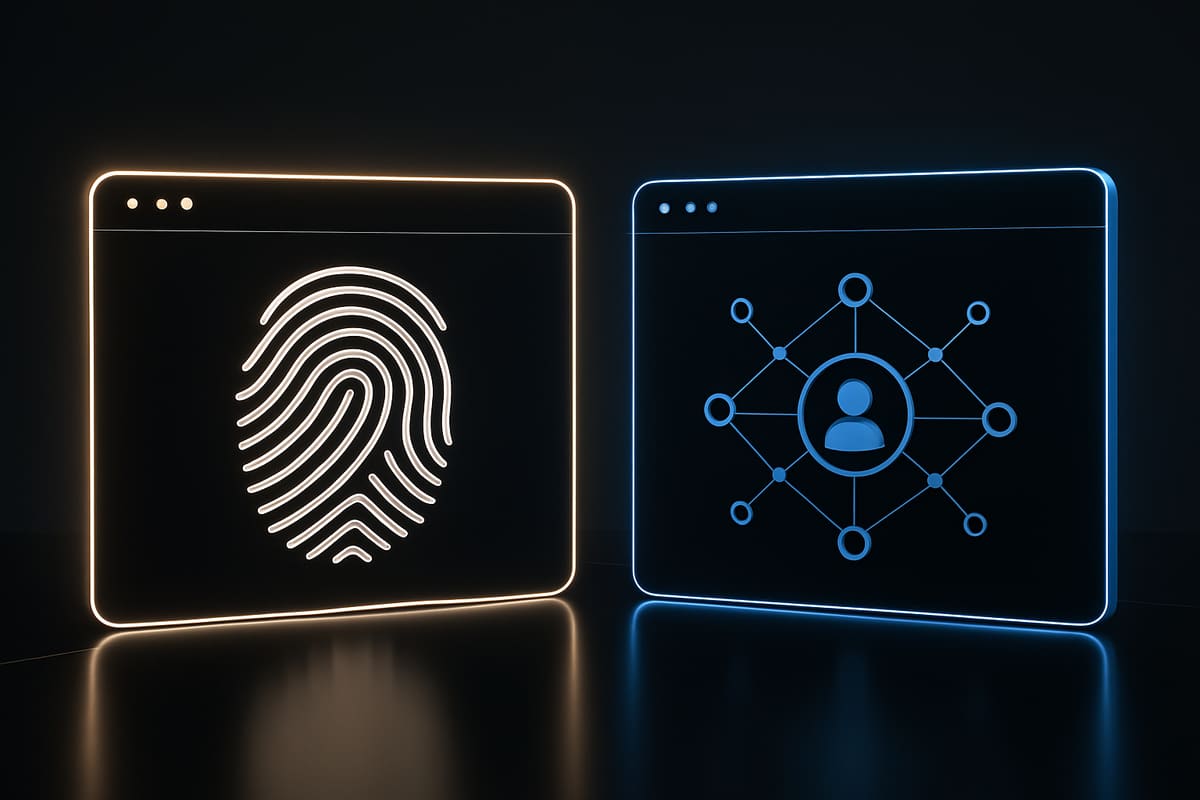
It identifies a device, not a person. It works before login, before any cookie exists, and after storage is cleared — which is why the same mechanism that classifies a login also lets you count a free trial per device instead of per email address. Our device fingerprinting guide covers which attributes are stable and which are noise.
How trusted, new and risky work together
| Question | Method | Scope |
|---|---|---|
| Is this device trusted for this account? | Device authentication | One account |
| Which device is this, whoever uses it? | Device fingerprinting | Any visitor |
Control returns deviceTrust as trusted, new or risky, with a reason code and a suggested step such as a captcha, email verification or card-or-passkey check. Map each level to an action:
- Trusted: clean history on this account. Allow, and keep normal monitoring.
- New: no history here. Step-up. Most new devices are real people on a new laptop or a work browser.
- Risky: signals you decided to distrust, such as a datacenter exit node or a tampering signal. Block, or step up with a stronger factor.
Observe before you enforce
Control runs a 14-day mirror period first: decisions come back and nothing is blocked. Compare the allow rate against your login support tickets before enforcement costs anyone access.
Your code decides
Prynt never blocks by itself. Your handler receives the decision and chooses:
const d = await prynt.control.evaluate({
  useCase: "login", visitorId, accountId: userId
});
if (d.action === "block") return deny();
if (d.action === "step-up") return requireStep(d.step);
return allow();
What matters is writing the policy down before you enforce it. A fintech and a hobby SaaS should not share thresholds.
Where fingerprinting earns its place outside login
Signup, free trials, welcome bonuses and paywalls all suffer the same pattern: one person, many identities, created cheaply. Device-relative limits mean a paywall meter does not reset in an incognito window and a trial is not multiplied with plus-addresses. Shared reputation adds context, since a device that abused a trial elsewhere is one more signal here. Our accuracy notes explain how we measure false positives and why no single signal should be the only reason for a block.
Protect the OTP request, not the message
SMS and OTP pumping deserves its own rule: an attacker triggers your code-send endpoint repeatedly and you pay for every message. Control caps sends per device, per number and per network, and keeps phone numbers and cards only as keyed hashes. Prynt does not send SMS; you request the decision and your provider sends the code.
Privacy and the awkward cases
Keep purposes narrow and documented, retain hashes rather than raw identifiers where you can, honor opt-out signals such as Global Privacy Control on the analytics side, and be ready to explain collection in plain language. What your counsel must review belongs in your contract and data processing terms, not in this post.
Two cases need an answer before launch. Shared devices — a family tablet, a call-center terminal — will look new to several accounts, so scope trust to how your customers actually work. And every block needs a step-up path back in; a locked-out customer is a support ticket, not a caught attacker.
FAQ

Is device authentication the same as two-factor authentication?
No. Two-factor verifies a second credential the person holds. Device authentication assesses whether the device has history with the account and adjusts how much verification to demand. They combine well: trusted devices skip friction, new devices get the code.
Do I need fingerprinting if I already set a long-lived cookie?
A cookie helps, but it disappears with clearing, private windows and app reinstalls. Use it as one signal among several, not as the whole trust model.
Can fingerprinting block legitimate customers?
It can if you enforce on one weak signal. Roll out in mirror mode, log every decision with its reason code, review the block rate against support contacts, and keep a step-up path open.
Decide at login, then measure
Start with one endpoint: your login. Classify each attempt as trusted, new or risky; map each level to allow, step-up or block; log the reason code every time. Run it in mirror mode for two weeks, read what your thresholds would have done, then enforce the level you trust most.
The decision model and the use cases it covers are on the Prynt platform, and the API details are in our docs. If you would rather pilot login only, start small, watch the signals for a week, and add policy once you know what normal looks like for your own users.
Try it free
Prynt is device intelligence with a free plan: 5,000 identifications a month, visitor IDs with confidence and bot detection — no credit card. Upgrade to Pro for VPN, proxy, tampering and behavioral signals.