
Custom event tracking usually starts well and ages badly. One engineer ships signup_completed, another ships signup-completed, a third fires trial from both the pricing page and the app, and six months later nobody can answer a simple question without a spreadsheet of guesses. The SDK was never the problem. The schema was.
The mess usually lives in three places: names that describe a screen instead of a fact, properties that accept free text, and no review habit as the product grows. Fix those three and your events stay joinable a year later.
This guide is a practical pattern for naming events, adding properties and keeping the schema clean as you grow. Examples use Prynt Analytics, where custom events feed funnels of two to eight steps, but the rules work with any tool you choose.
Start from the questions, not from the events
Before you name anything, write down the questions the team actually argues about. Which onboarding step loses trial users? Which plan converts from self-serve? Which feature shows up in the accounts that stay? Every question implies the events you need, and nothing else earns a place in the schema.
One event, one owner
For each event, record who reads it and what they do differently when the number moves. If the answer is “nobody yet,” do not ship it. An event with no reader is a maintenance cost with no return, and it makes the whole schema harder to trust.
Instrument decisions, not clicks
button_clicked tells you a click happened. report_exported tells you a user got value. Prefer the second, and take click counts from heatmaps or session replay when you actually need them.
Name events like a table, not like a slogan
Treat the event name as a stable identifier that will appear in queries, funnels and dashboards for years. A convention that survives growth is object_action, past tense, snake_case, no version suffix:

track("subscription_started", { plan: "pro", seats: 5 });
track("report_exported", { format: "csv", rows: 1200 });
Avoid names tied to the interface (clicked_pricing_cta_v2) or to a campaign (black_friday_signup). The first breaks when the design changes; the second belongs in a property, not in the name.
Do not put data in the name
signup_google and signup_email should be one event, signup_completed, with method: "google" | "email". Every value you bake into a name multiplies your event list and fragments every chart that follows.
Properties: flat, typed and boring on purpose
Properties are where schemas rot fastest, because they accept anything. Decide on a short list per event, give each key a type and an allowed set of values, and reject the rest at the source.
- Use stable keys with stable meaning:
planalways means the subscription plan, never the pricing-page variant. - Prefer enums over free text.
"pro","team","enterprise"beats"Pro Plan (annual)". - Keep nesting to one level. Nested objects are hard to query and easy to break.
- Never put personal data in properties. Send an internal user and account ID, not an email address or a name.
Link events to the same identity
Events only join if the identifiers match. Call identify with your own user ID and account ID as soon as you know them, and keep it consistent across web and mobile so one visit reads as one path. Our docs cover the identify and track fields in detail: https://pryntid.com/docs
Keep the schema clean as you grow
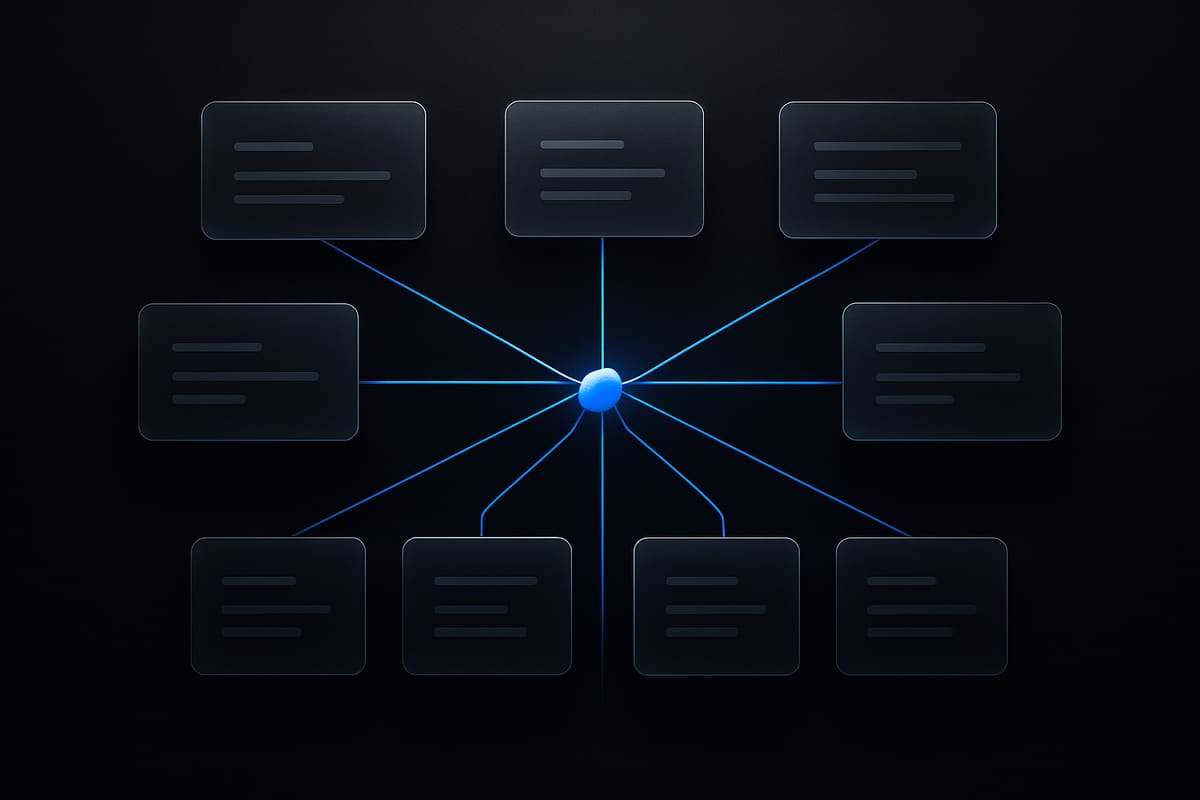
A schema is only clean if it is written down. Keep one file in the repo — a plain table is enough — with the event name, a one-line description, the owner, the properties, allowed values and the date it was added. Review new events in a pull request the same way you review an API change.
Retire events on purpose
When an event stops earning its place, mark it deprecated, stop sending it, and let the history age out with your retention window. Do not delete the definition the same day you stop sending: the saved reports that already use it still need to make sense.
Audit against usage, not intentions
Once a quarter, compare the schema with what actually arrives and what actually appears in saved funnels and reports. Two lists come out of it: events nobody queries, which are candidates for retirement, and questions people keep answering by hand, which are candidates for one new event with a clear owner.
Decide who counts before you count anything
Event volume is not the same as human behaviour. Internal testers, staging traffic, uptime checks and automated agents all fire events, and all of them distort a funnel. Decide the policy first: which environments send, which accounts are flagged as internal, and how bots are treated.
Prynt Analytics excludes bot sessions from reports and honours Global Privacy Control, so a preference set in the browser is respected rather than overridden. If your event volume looks implausible, check the traffic before you trust the chart — our bot detection guide explains the signals worth looking at: https://pryntid.com/bot-detection
FAQ

What is the difference between an event and a property?
An event is something that happened — subscription_started. A property is a detail about it — plan, seats, source. If a detail changes the meaning of your question, it is usually a property; if it is a separate fact with its own timing, it deserves its own event.
How many custom events should a SaaS product track?
Fewer than most teams expect. Start with the ten to twenty events that answer your current product questions, give each one an owner, and add more only when a real question needs them. A short list people trust beats a long one nobody queries.
Can I rename an event later without breaking history?
Not cleanly. Renaming splits the timeline, so the old name and the new one never appear together in a funnel. Get the name right before the event ships; if you must change it, run both names in parallel for the length of your retention window.
Ready to send a clean first event?
The pattern above needs a tracker that treats custom events as first-class data: typed properties, funnels built from those events, and bot sessions kept out of the numbers. That is what Prynt Analytics does, and it runs on the same browser agent, account and bill as the rest of the suite. See how the products fit together on https://pryntid.com and ship one event with a name you would defend in a code review.
Try it free
Prynt is device intelligence with a free plan: 5,000 identifications a month, visitor IDs with confidence and bot detection — no credit card. Upgrade to Pro for VPN, proxy, tampering and behavioral signals.